




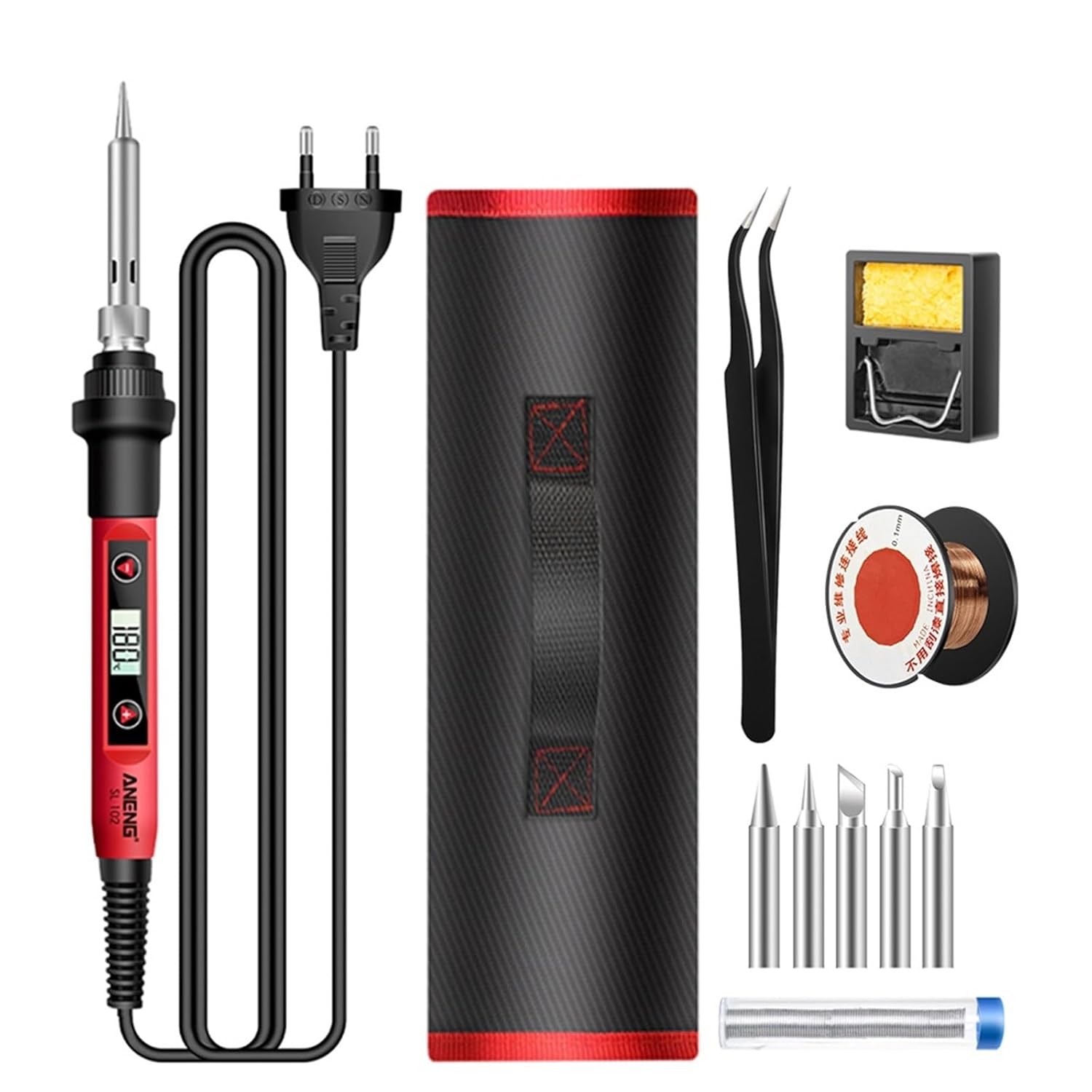


SL101/SL102 Electric Soldering Iron US/EU Adjustable Temperature Professional Electrocautery Welding Tool 110V/220V(SL101 EU Plug)

 4.7 (135 items)
 Limited Time Sale
US$32.70 cheaper than the new price!!
Free cash-on-delivery fees for purchases over $99
Product details
| Management number | 209984138 | Release Date | 2026/04/02 | List Price | US$21.80 | Model Number | 209984138 | ||
|---|---|---|---|---|---|---|---|---|---|
| Category | |||||||||
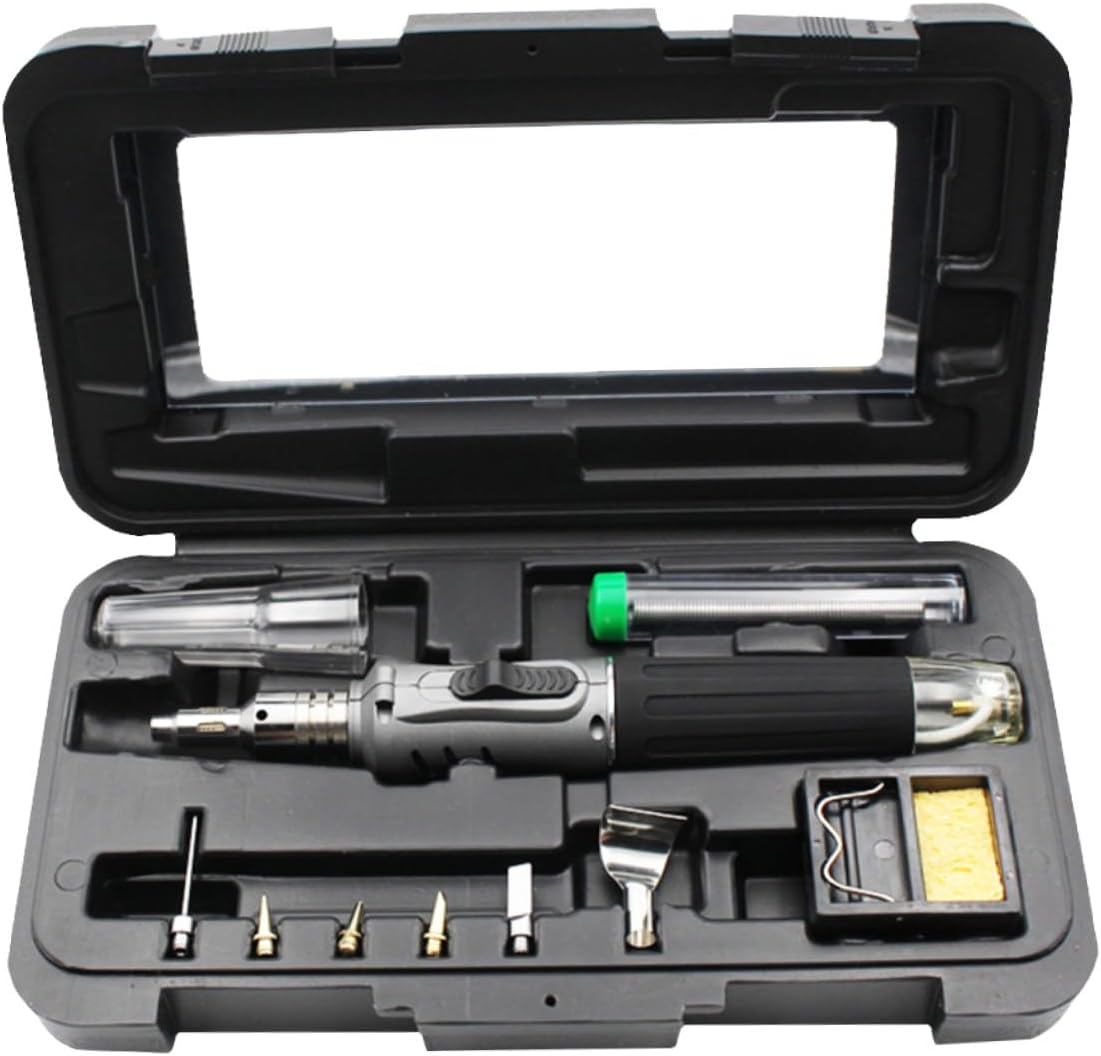
MultimetersSL101/SL102 Electric Soldering Iron US/EU Options SL101 and SL102 respectively represent different models.The temperature range of SL101 is: 200°C-450°C;without digital DisplayThe temperature range of SL102 is: 180°C-520°C;with digital DisplayNote:EU :220V/60WUS :110V/60WSet temperature operation:(1) Press the + button once to increase the temperature, and long press the + button to increase the temperature .(2) Press the - button to decrease the temperature, long press the - button to decrease the temperature .(3) When there is no button for 3 seconds, the newly set temperature will be memorized, and the temperature will be kept at the next startup.(4) When the heating core reaches the set temperature, the temperature of the soldering iron tip can the set value after about 30~50s.7. Calibration operation: (Generally choose 320 degree calibration.)(1) Put the soldering iron tip on the thermometer after powering on for 90s, and add solder to the soldering iron tip to make the soldering iron tip and the thermocouple fully contact.(2) Wait 2~4s after the thermometer shows that the temperature stabilizes, and record the temperature of the thermometer.(3) Remove the soldering iron from the thermometer and press + and -at the same time to enter the temperature calibration interface.(4) Input adjustment amount:E.g:Set the temperature to 290°C, and the actual measured temperature is 282°C, then press to display 08°C on the ,Set the temperature to 290°C, and the measured temperature is 300°C, then press to display -10°C on the .(5) Press the + and - button at the same time to exit the temperature calibration interface.8. C/F conversion:Press the + and-keys at the same time when the power is not turned on. Do not release them at the same time. When the power is turned on, release the two keys when you see the display. Then you will enter the setting menu. Press the + key to select C/F, and press the two keys at the same time to exit the setting. In the setting state, stop heating, and start heating after exiting.Package Included:chose by option==========Dimensions : 210mm*1.1mModel Number : SL101/SL102Output Power : 60WInput Voltagle : 110V/220VOutput Temperature : 180 to 520Temperature Stability : +-5Certification : none
- Multimeters
- SL101/SL102 Electric Soldering Iron US/EU Adjustable Temperature Professional Electrocautery Welding Tool 110V/220V
| Brand Name | RTOZWC |
|---|---|
| Manufacturer | RTOZWC |
| Model Number | RTOZWC |
| Power Source | Battery Powered |
| Number of Items | 1 |
| Manufacturer Part Number | RTOZWC |
Bestseller ranking
Travel Garment Steamers



Customers who viewed this product also viewed
Irons



Correction of product information
If you notice any omissions or errors in the product information on this page, please use the correction request form below.
Correction Request Form